
TechStack Detective Pro
by SOFTCITY · Developer Tools
Detect the CMS, frameworks, hosting, CDN, analytics, marketing, security and payment tech behind any website. 100% offline.
- Downloads
- 9
- Version
- 1.0.0
- Updated
- 27 Sep 2026
- Size
- 209 KB
Chrome only installs extensions from its own store with one click, so this one is installed from the ZIP — it takes about a minute.
Screenshots
Overview
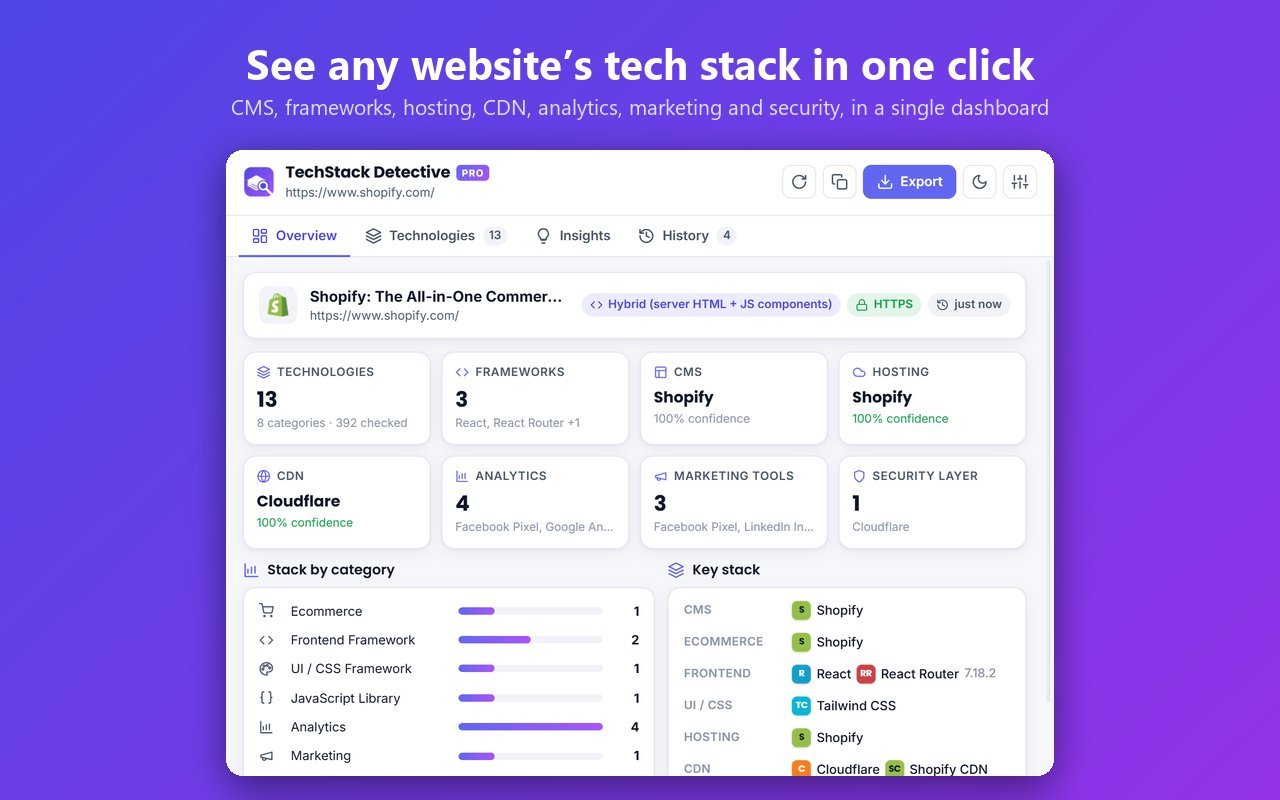
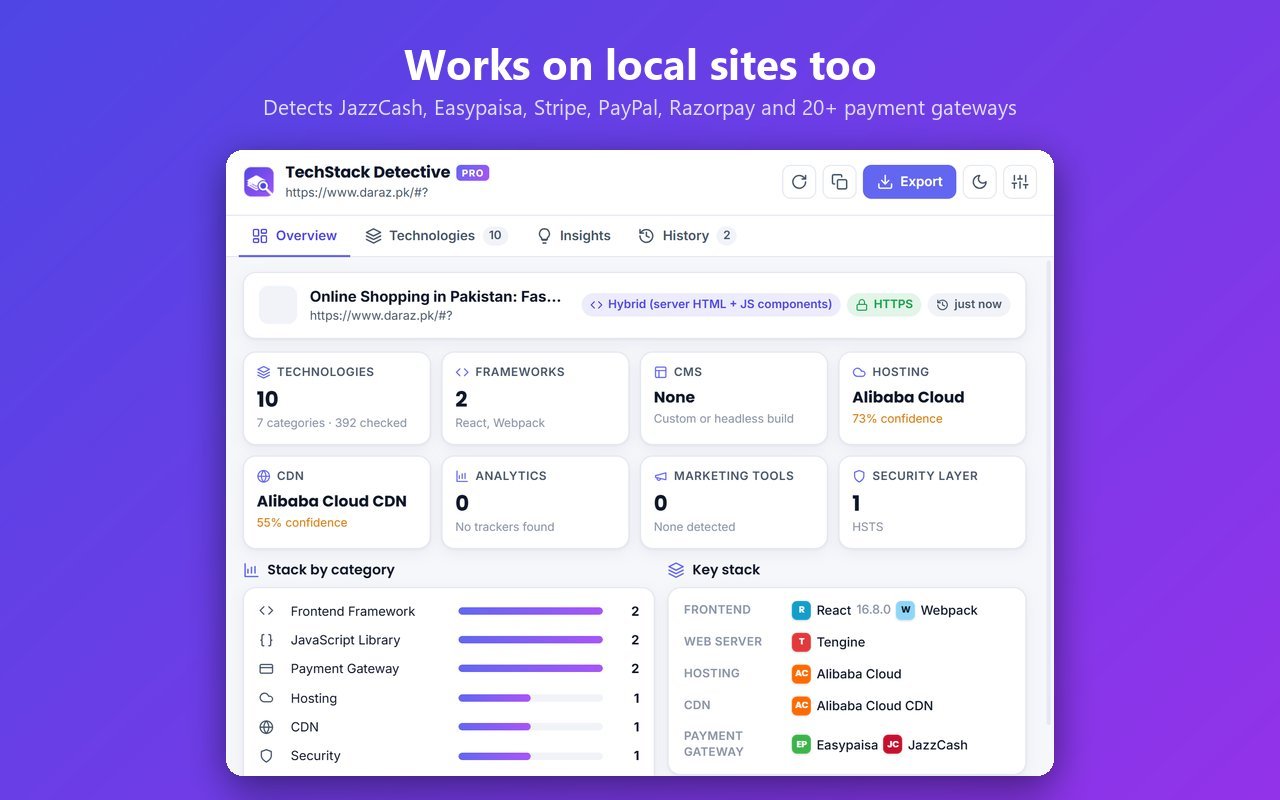
What it detects• CMS and site builders: WordPress, Shopify, Wix, Squarespace, Webflow, Drupal, Joomla, Ghost, Framer and more• Ecommerce: Shopify, WooCommerce, Magento, OpenCart, PrestaShop, BigCommerce, with store platform, theme, cart system and checkout technology• Frontend frameworks: React, Next.js, Vue, Nuxt, Angular, Svelte, SvelteKit, Astro, Gatsby, Remix and more• Backend frameworks and languages: Laravel, Django, Ruby on Rails, Express, ASP.NET, Spring Boot, CodeIgniter, PHP, Python, Java, Node.js• UI frameworks: Bootstrap, Tailwind CSS, Bulma, Material UI, Chakra UI, Ant Design, Foundation• JavaScript libraries: jQuery, Alpine.js, GSAP, Swiper, Chart.js, Lodash, Axios and dozens more, with versions• Hosting: Hostinger, GoDaddy, Bluehost, SiteGround, AWS, Google Cloud, Azure, DigitalOcean, Vercel, Netlify, Kinsta, WP Engine and more• CDN: Cloudflare, CloudFront, Fastly, Akamai, BunnyCDN, StackPath, jsDelivr and more• Analytics and marketing: Google Analytics (GA4), Google Tag Manager, Meta Pixel, TikTok Pixel, Microsoft Clarity, Hotjar, HubSpot, Mailchimp, Klaviyo and more• Security: Cloudflare, Sucuri, Imperva, reCAPTCHA, hCaptcha, Turnstile, plus a security-header check• Payment gateways: Stripe, PayPal, Razorpay, Square, Braintree, Authorize.net, JazzCash, Easypaisa and more• SEO plugins: Yoast SEO, Rank Math, All in One SEO, Schema Pro, Google Site Kit
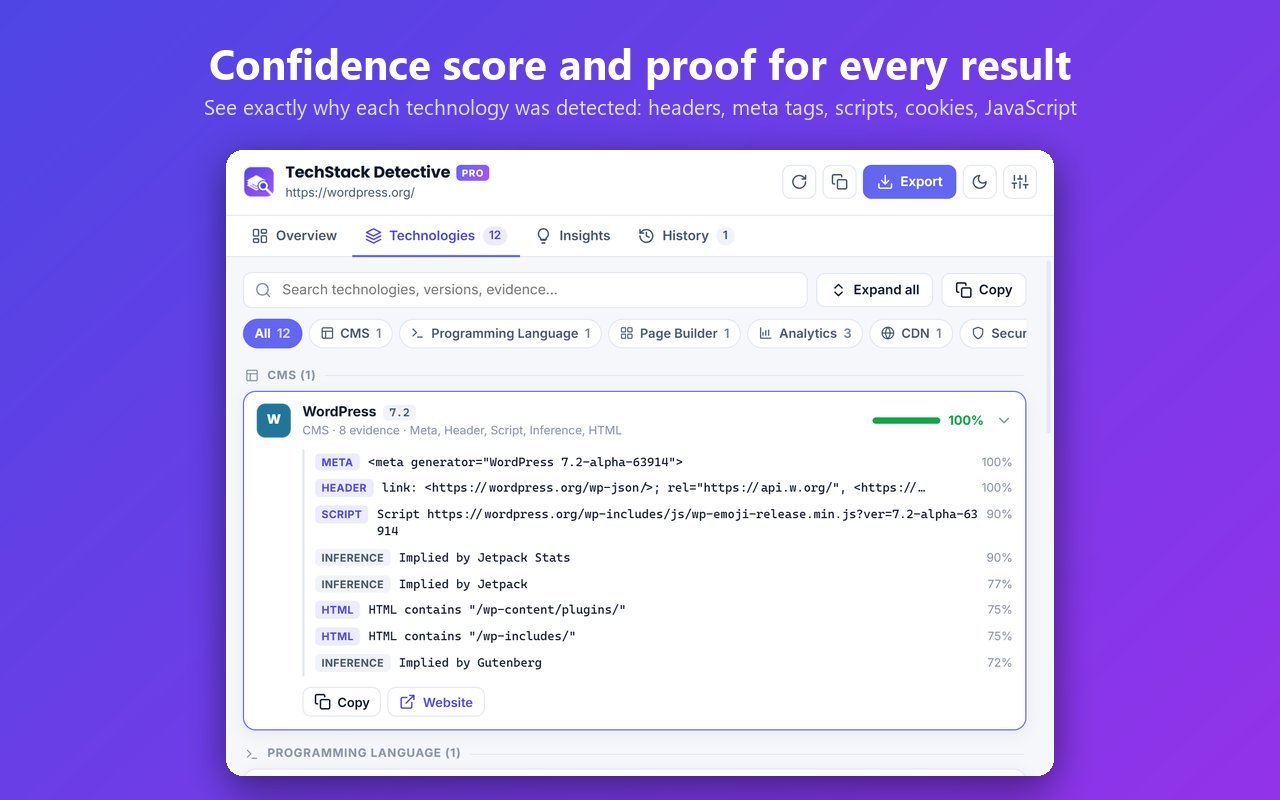
Proof, not guessesEach technology shows a confidence percentage and the exact evidence it was found from: response headers, meta tags, scripts, cookies, JavaScript variables or page HTML. Expand any result to see why it was detected.
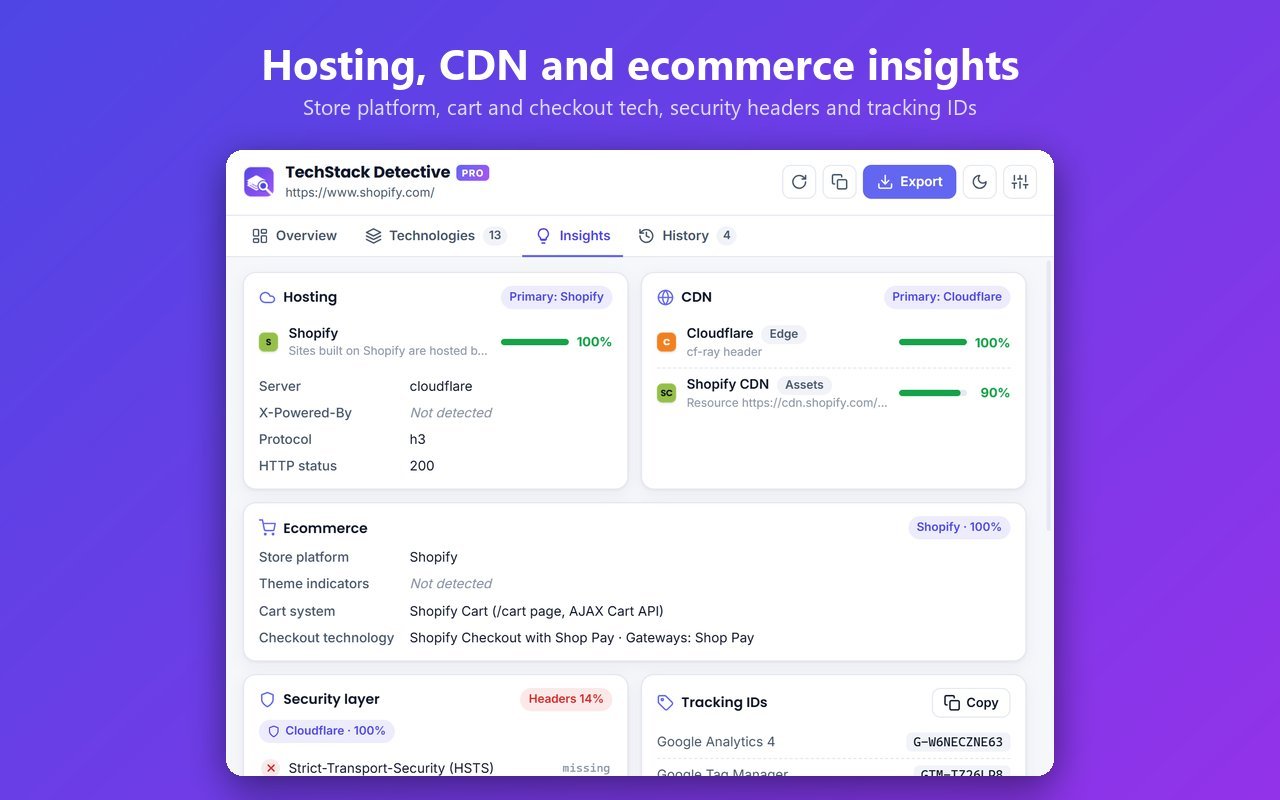
Website insights• Hosting and CDN with confidence scores• Tracking IDs: GA4, GTM, Google Ads, Meta Pixel, TikTok, Clarity, Hotjar, LinkedIn• WordPress theme and plugin list• Security headers: HSTS, CSP, X-Frame-Options and more• Response headers, cookie names and third-party domains
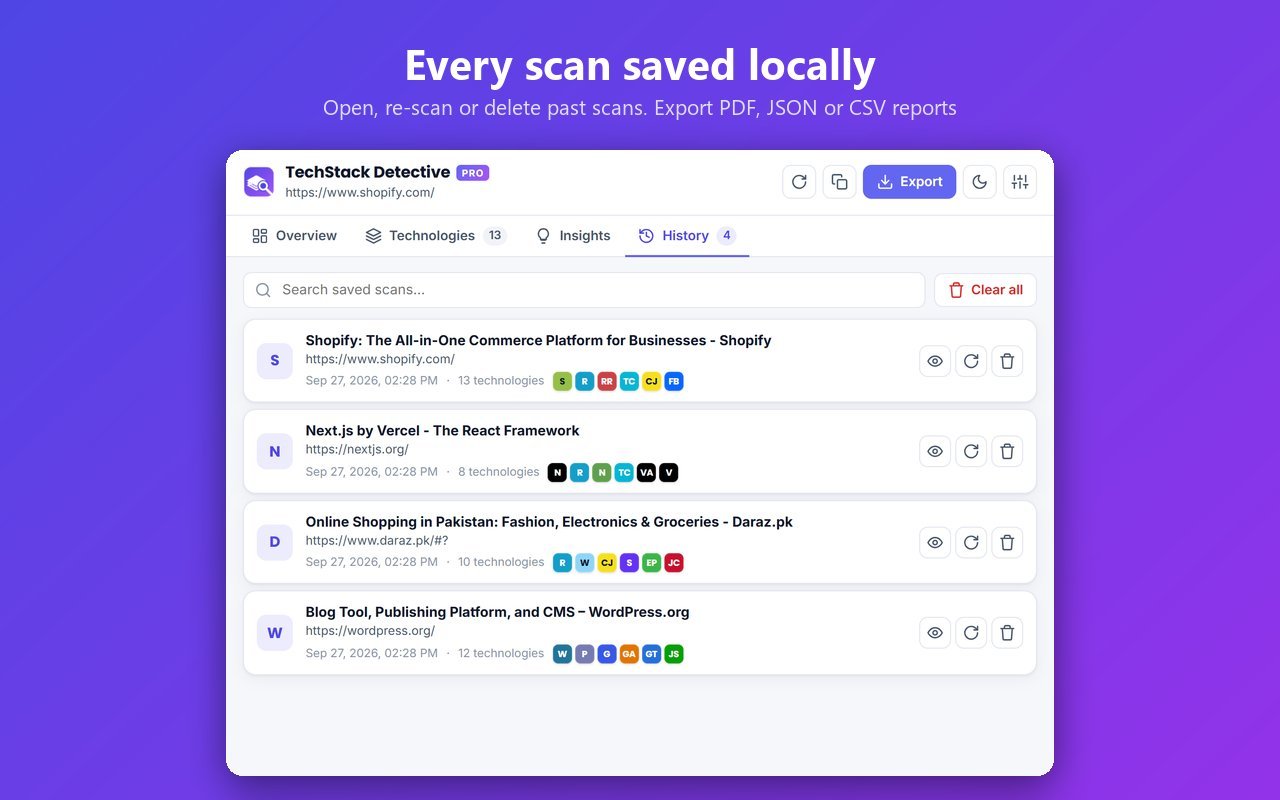
Reports and history• Export a PDF report, raw JSON data or a CSV technology inventory• Copy results to the clipboard• Every scan is saved locally so you can open, re-scan or delete it later• Search and filter technologies by category
Built forDevelopers, SEO specialists, digital agencies, sales and lead-generation teams, security researchers, and anyone curious about how a website is built.
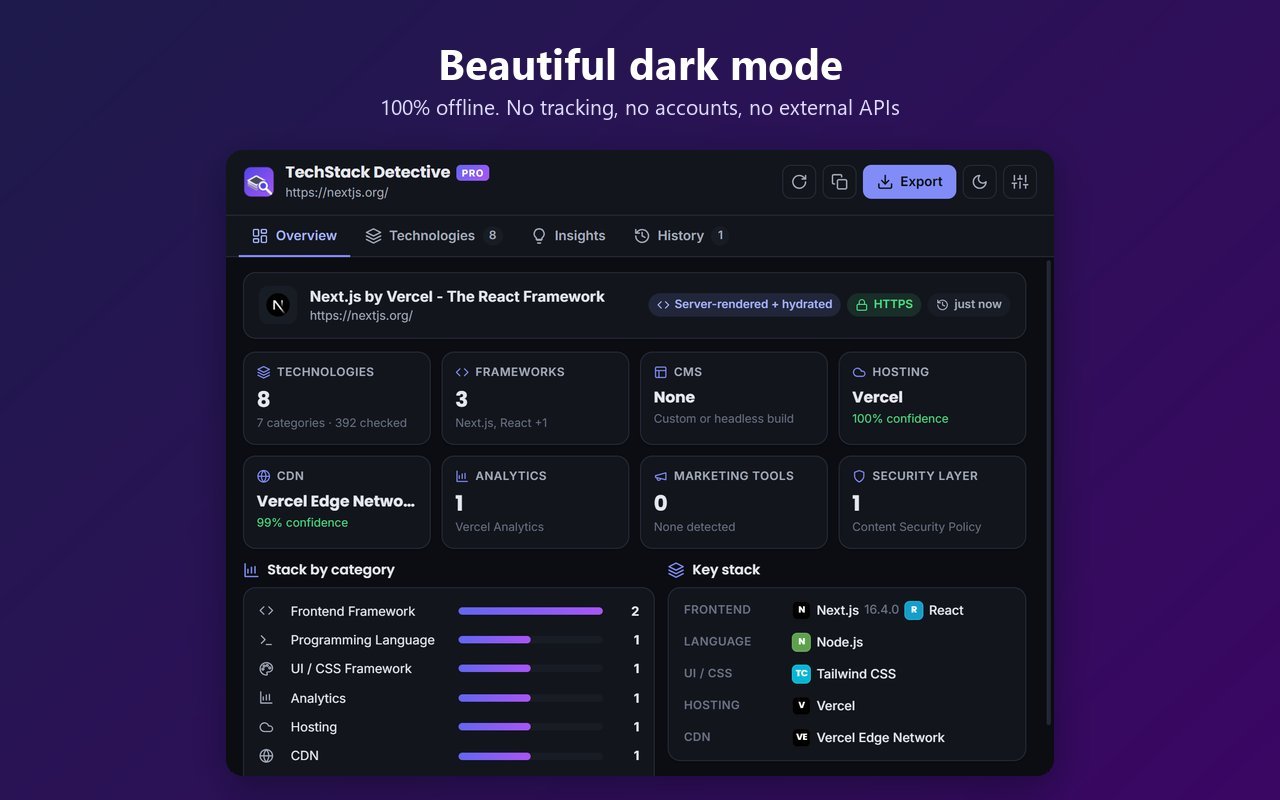
Private by design• 390+ signatures that run entirely in your browser: no cloud, no AI services, no external APIs• No tracking, no analytics, no accounts• Only runs on a page when you click the extension icon• Cookie values are never read
Extras• Dark and light mode• Adjustable minimum confidence and other settings• Keyboard shortcut: Alt+Shift+T
How to install
Six steps, about a minute. You only do this once.
-
1
Click Download ZIP.
-
2
Right-click the downloaded file and choose Extract All.
-
3
Open
chrome://extensionsin Chrome.chrome://extensions Paste it into Chrome's address bar — websites cannot link to it directly. -
4
Turn on Developer mode (top-right).
-
5
Click Load unpacked and select the extracted folder — the one that contains
manifest.json. -
6
Pin the extension from the puzzle icon in the toolbar.
Updates are not automatic. To update, download the new version and click Reload on chrome://extensions.
Permissions
What this extension is allowed to do, in plain words:
-
Access the current tab only when you click the extension
activeTab -
Read tab titles and URLs
tabs -
Save settings on your device
storage -
Run the extension's scripts on the page you choose to capture
scripting
What’s new in 1.0.0
Privacy
What the extension does• It analyses the website in your current tab only when you click the extension icon or use its keyboard shortcut.• All detection runs locally in your browser. Page content is never sent to us or to any third party.• To read the page's HTTP response headers, the extension requests the current page again from the same website. The browser usually answers this from its own cache. Nothing is added to this request.• It reads cookie names (never cookie values) to recognise frameworks such as Laravel or Django.
Data storage• Your settings (such as theme and minimum confidence) are saved in your browser's local extension storage.• Scan history (website address, title and detected technologies) is saved in local extension storage. You can delete single scans or clear all history at any time, or turn history off in Settings.• The latest scan for each tab is kept temporarily in session storage and is deleted when the browser closes.• Reports you export (PDF, JSON, CSV) are saved only to your own computer.
What we don't do• No analytics, tracking or advertising• No user accounts• No servers: we never receive your browsing data
Permissions• activeTab and scripting: analyse the page you choose• tabs: read the address and title of the current tab, and open a saved URL when you re-scan it from history• storage: save your settings and scan history locally• Optional site access: asked for only when you re-scan a history entry from a different website, and only for that one website
If you have any questions about this policy, contact us at the support email listed on this page.
Questions or problems? Contact SoftCity.